
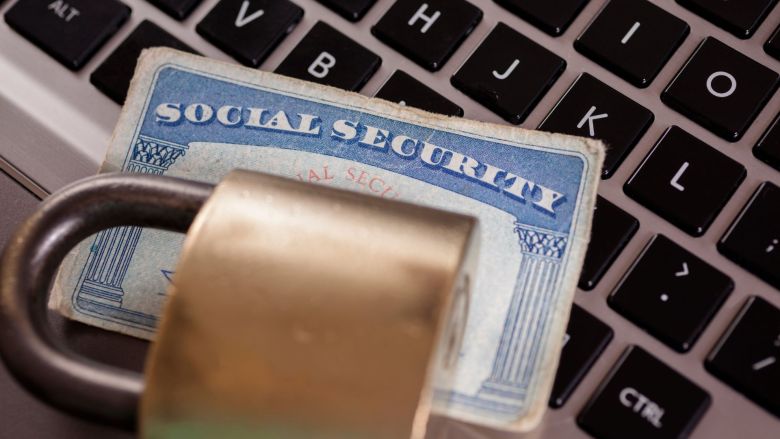
In our last article, you learned the steps “bad actors” use to lure you into their traps to extract your valuable personal and account information. If you didn’t know before, you now know that phishing attacks aren’t random activities. They are carefully planned and executed to provide the maximum access to your personal and financial data.

Graphic Design by Karen Clay
Even beyond the immediate impact on you, your harvested information can be used to target people you know or others at your place of employment. The information can be used in many other ways, which can be mind-boggling. It literally can be the “headache that won’t go away!” Below are just a few examples:
- Identity Theft: Opening new credit cards or bank accounts in your name; applying for loans or government benefits fraudulently; filing false tax returns to steal refunds.
- Financial Theft: Draining your bank accounts and/or crypto wallets; making unauthorized purchases with saved credit card details; selling your credentials on the dark web for others to exploit.
- Account Takeovers: Hijacking other linked accounts (e.g., email, streaming services, cloud storage, etc.) through password reuse or recovery mechanisms; locking you out of your accounts and changing your recovery options.
- Social Engineering and Blackmail: Analyzing your private emails, messages, or documents for embarrassing, sensitive, or exploitable information, then using that information to target you and/or your friends for sextortion, scams, or blackmail.
- Synthetic Identity Creation: Combining your information with fake details to build an entirely new, fabricated identity, then using that identity to commit long-term fraud with the reduced risk of immediate detection.
With all of the ways a cybercriminal can use stolen information, staying vigilant is critical. It requires knowing how to spot potential phishing attempts so you can avoid them. Here are some tips to consider.
- Do not click on any link: If you get an email from anyone with a simple subject line, for example, “Look at this!” even a warning email from your bank, credit card company, the IRS, UPS or any kind of message that immediately needs your attention, pick up the phone and, using a number known by you, call the sender and ask whether the email was sent by them. If your account is in danger or if you have a concern, someone can verify it over the phone.
- Don’t enter passwords or personal information on a strange link or pop-up screen: Instead, open a new browser and type in the actual URL where you typically go to do your banking, pay your credit card, or check your retirement balance. Better yet, just make it a habit to manually go to a known site when handling financial tasks, even if you are certain the email you received is legitimate.
- Always check the URL: Review the URL of the sending email and the website, if available in the signature, to ensure it matches what you know to be true. Phishing links will always use similar URLs, hoping you won’t notice the difference.
- Look for generic greetings: The Federal Trade Commission (FTC) notes that often, phishing emails that claim to be from a place where you do business, will start an email with a generic greeting like, “Dear Sir” or “Hi Dear,” even though you’ve had a long-term relationship with the company. This can be a clue that the message is not from the company it purports to be.
- Use spam filters: A good spam filter can actually catch a number of phishing emails before they reach your inbox. Some email accounts, like Gmail, automatically include these. If you see an email that looks problematic, mark it as Junk. That way, future emails from the same source have a better chance of being filtered out of your inbox again.
If you’ve followed all the above, and still think you may have been caught giving up your personal details, it may be worth a trip to the FTC’s Identity Theft site, (www.identitytheft.gov/) where you can run through a series of steps depending on what piece(s) of data you believe has been compromised. There, you can receive suggestions on how to handle issues around data from Social Security numbers to bank account information and hopefully get the last laugh.

Courtesy, Karen Clay