Once again, this month is cybersecurity awareness month and the first anniversary of my technology column! What started as a desire to share basic technology information has grown into an extension of my passion for educating as many people as possible on the safe and responsible use of all forms of technology.
The focus on cybersecurity began in October 2004, during the second term of President George W. Bush. Ever since then, the President of the United States and Congress have declared October to be Cybersecurity Awareness Month, a time dedicated for the public and private sectors to work together to raise awareness about the importance of cybersecurity and staying vigilant.
One technology that has grown increasingly popular is the QR (Quick Response) code. This code type emanated from the car manufacturing industry. They were first developed in 1994 by Denso Wave, a subsidiary of Toyota, to improve the efficiency of tracking vehicle parts during the manufacturing process. Traditional barcodes at the time could only store a limited amount of information and had to be scanned from a single direction. Masahiro Hara, an engineer at Denso Wave, led the team that developed the QR code, which could store significantly more data and be scanned both horizontally and vertically. This two-dimensional capability allowed QR codes to encode up to 7,000 numeric characters, far surpassing the 20-digit limit of traditional barcodes.
By the early 2000s, with the advent of mobile phones equipped with QR code scanners, their use became widespread among the public for accessing websites, downloading coupons, and managing event tickets. A key reason for their widespread adoption was Denso Wave’s decision to make QR codes freely available without enforcing patent rights.
Today, QR codes are used worldwide in a variety of fields, from marketing and product packaging to contactless payment systems and educational tools. Their versatility, combined with the increased smartphone penetration, has solidified their place as an essential tool for quick information sharing in the digital age. With the increase in use, however, comes the increased threat of QR code scams. Bad actors are using fake QR codes and placing them over legitimate codes or affixing them to resources that never had such codes.
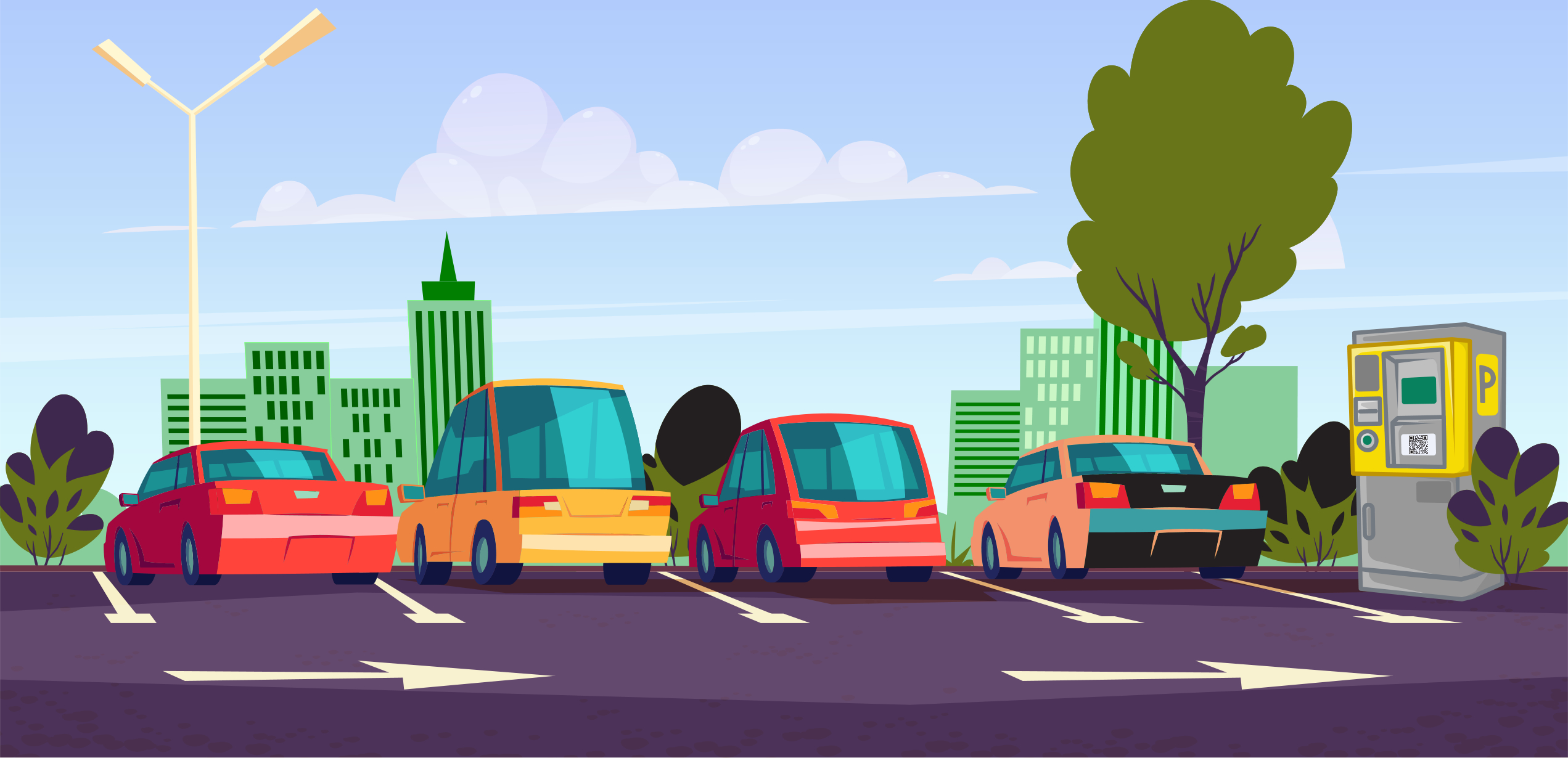
Two good examples of which to be aware are QR codes on parking meters and in restaurants. Recently in the last several months, people have reported being duped by QR code stickers on restaurant menus and parking meters that direct you to nefarious sites for the purpose of stealing your identity or taking your money. To minimize your chance of becoming a victim to this latest scam, keep in mind the following tips:
What to Look For:
- Verify the Source: Only scan QR codes from trusted sources. Check the company or sender for legitimacy. If you’re unsure, avoid scanning, especially if it looks tampered with or out of place.
- Check for Original Sticker: If a sticker is placed on top of another sticker, do not use it.
- Check URLs: When you scan a QR code, inspect the URL before proceeding. Ensure it is legitimate and doesn’t lead to a suspicious website. Avoid codes that automatically open URLs without giving you a chance to inspect them.
What Not to Do:
- Don’t Enter Personal Information: Be cautious about entering sensitive data like credit card details or passwords after scanning a QR code, especially if prompted unexpectedly.
- Avoid Scanning in Public Spaces: In public areas, criminals might place malicious QR code stickers over legitimate ones, directing you to fraudulent websites.
What to Do:
- Use Trusted Apps: Download QR code scanners from official app stores that offer security features, such as verifying the safety of a link before opening.
- Install Security Software: Have antivirus or anti-malware software installed on your phone to catch malicious downloads triggered by QR codes.
- Disable Auto-Opening: Ensure your QR scanner doesn’t auto-navigate to a link without your confirmation.
- Refrain From: Scanning QR codes received via unsolicited emails or text messages.
Report the Breach: If you suspect you’ve scanned a malicious QR code, immediately disconnect from the internet, run a malware scan, and change your passwords. Report any breach to local authorities or the Internet Crime Complaint Center (IC3) at https://www.ic3.gov/

Courtesy, Karen Clay