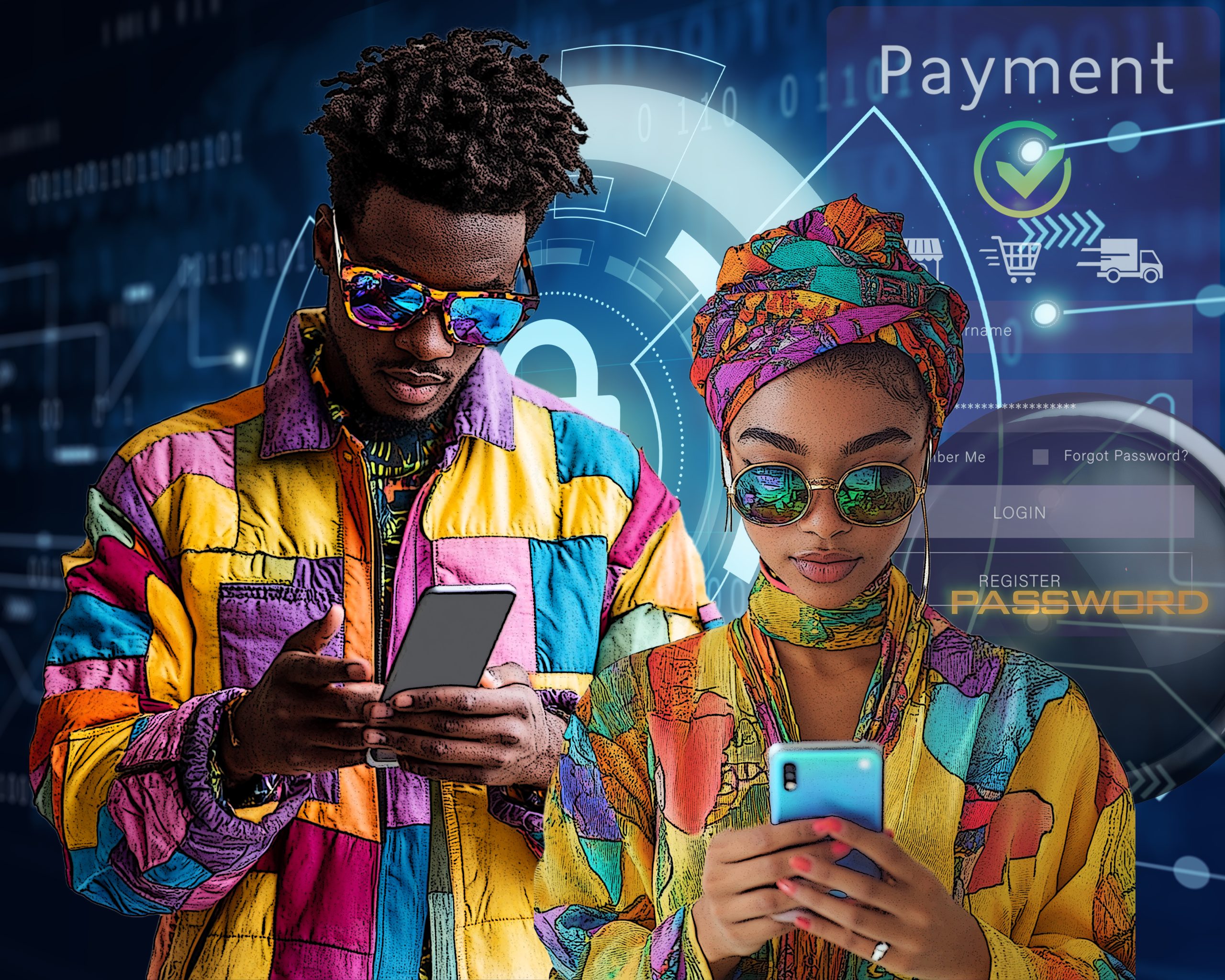
When was the last time you installed an app on your portable device or accessed a social media site using single sign-on? Most likely you have done this recently. Many of us do these things without thinking twice about the permissions or access we are granting. We often click ‘Allow’ or ‘Accept’ to move forward quickly, not realizing that we may be providing third parties and apps with extensive access to our personal information.
This convenience comes at a cost to our privacy, as these permissions can give apps control over sensitive data like our contacts, location, and even financial information. That’s why managing access to our personal information is crucial for protecting our data and ensuring privacy. Two key areas where we need to exercise such caution are third-party access to information and app permissions on our devices.
What is Meant by Third Parties?
Third parties are entities outside of your direct interaction that may have access to your personal or organizational information. These entities can include vendors, service providers, or apps that use integrations with your primary services.
For example, Facebook and Instagram are considered third-party apps when used for single sign-on (SSO) because they allow you to use your account credentials to access other applications and services. This convenience means that these platforms serve as intermediaries between you and the services you want to access. So, if you use Facebook to log in to a fitness app, Facebook acts as a third party, providing your authentication details to the fitness app. Similarly, using your Gmail account as SSO with Facebook and Instagram makes Gmail a third party, as it provides authentication details to these platforms.
Risks Associated with Third-Party Access
Granting third parties’ access to your data can carry significant risks. When a third party is compromised, it could lead to a cascade of data compromise, exposing information connected to it and putting your sensitive data in the hands of malicious actors.
One notable example of a breach through third-party access is the LinkedIn data breach that occurred in 2021. In this breach, data from over 700 million LinkedIn users was scraped and exposed online. The breach affected many users, including those who used single sign-on (SSO) features to link their LinkedIn accounts with other services. The compromised data included sensitive information such as email addresses, phone numbers, and professional details. This breach illustrates how SSO can increase the risk of cascading impacts if one account is compromised, potentially allowing attackers access to multiple linked services.
Managing Third-Party Permissions
Managing third-party access effectively is essential for data protection. Here are some things to consider in minimizing your exposure:
- Assess the Need for Access: Before granting access to third parties, consider if it is necessary. Only provide the minimal level of access required.
- Review Permissions Regularly: Conduct periodic reviews of all third-party access. Revoke permissions for third parties that no longer need access.
- Monitor for Breaches: Keep track of third-party vendor breaches using tools such as breach monitoring services, email alerts, and cybersecurity news. You can also use services like Have I Been Pwned (https://haveibeenpwned.com/) to check if your data has been exposed. This allows you to act quickly if a vendor associated with one of your accounts has been compromised.
Understanding App Permissions
Whenever we install apps on our phones or tablets, we often are requested to accept various permissions to access app features or data. These permissions can include access to contacts, phone location, camera, microphone, or even text messages. While some permissions are necessary for the app to function correctly, others can be considered excessive and intrusive.
Importance of Reviewing App Permissions
As with third party permissions, reviewing app permissions is a vital step to ensuring this data stays protected. Excessive or unnecessary permissions can increase the risk of data misuse, surveillance, or cyberattacks. Even trusted applications may ask for permissions that could pose a privacy risk if the app is compromised.
By periodically reviewing and managing app permissions, you can ensure that only essential permissions are granted reducing your vulnerability to data breaches. If you don’t know how to check for the permissions you have allowed for each app, use the search bar in your browser and search for “how to control app permissions on my [insert your device type.]”
Staying aware of the permissions that apps require and considering their necessity is key to staying secure. Even if you trust an app, consider what data it really needs. Apps often request more permissions than required, which could lead to unintended data exposure. For instance, a photo editing app doesn’t necessarily need access to your contacts or location. Take the time to be aware of what permissions you’re granting, and don’t hesitate to adjust them through your device settings if something seems unnecessary or intrusive.
Managing third-party access and app permissions requires diligence and ongoing awareness. By taking control of who accesses your data and which apps have permissions on your devices, you can greatly reduce your cybersecurity risks.

Courtesy, Karen Clay